
- New
Multishop Pro – Assign Multiple Domains Single PrestaShop images
PRESTAHEROES / Multistore growth
More storefronts. One PrestaShop.
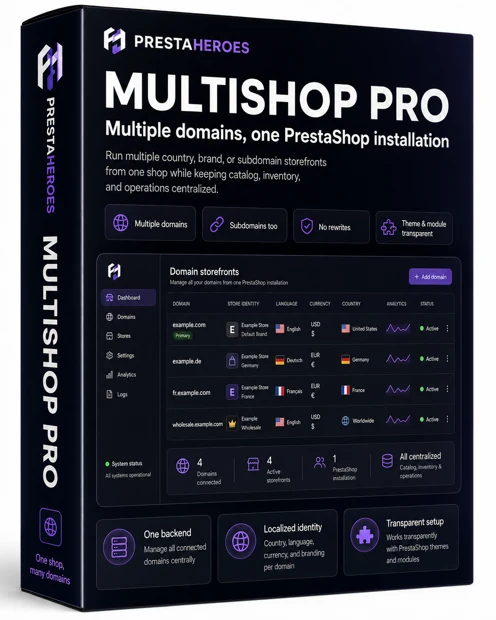
PH PrestaShop multi-domain module
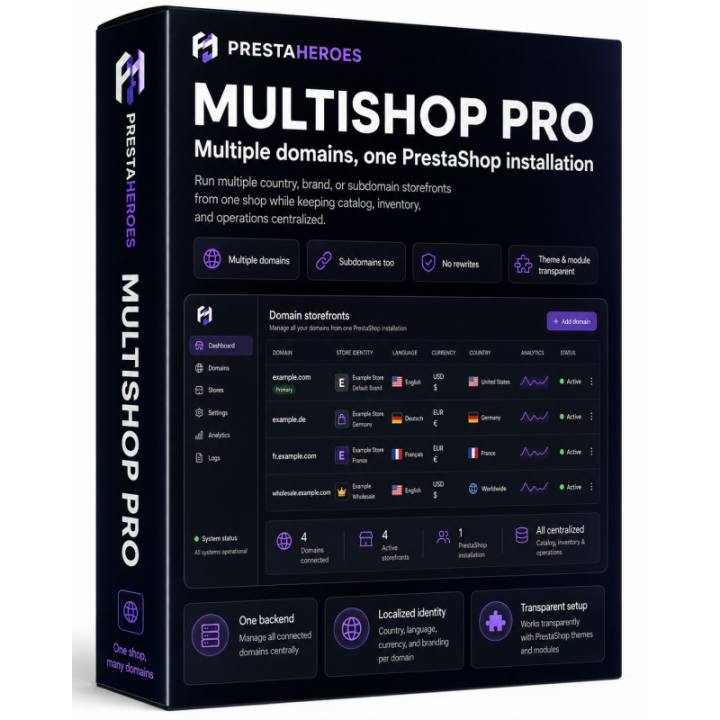
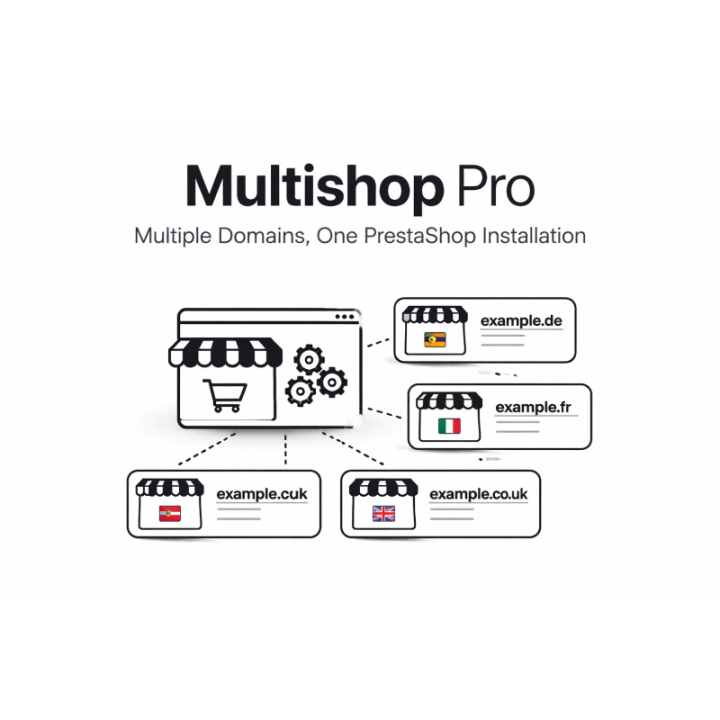
Multiple domains, one PrestaShop installation
Run additional country, brand, regional, or subdomain storefronts from one PrestaShop shop while keeping catalog, inventory, customers, orders, and operations centralized.
Manage every connected domain from the same PrestaShop back office.
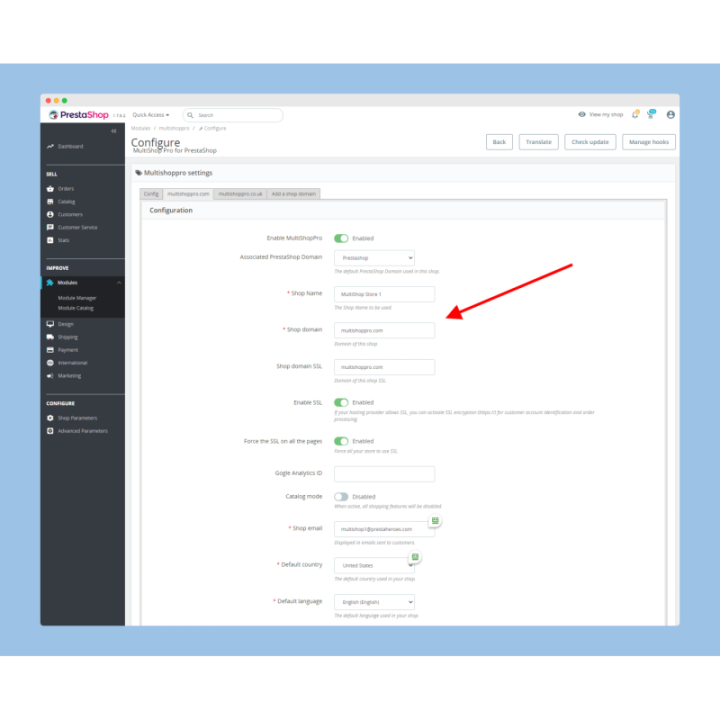
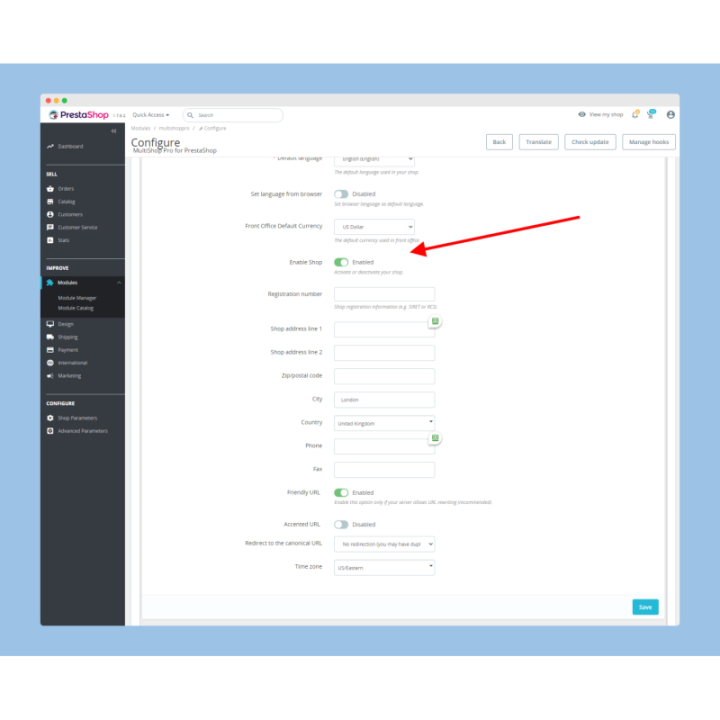
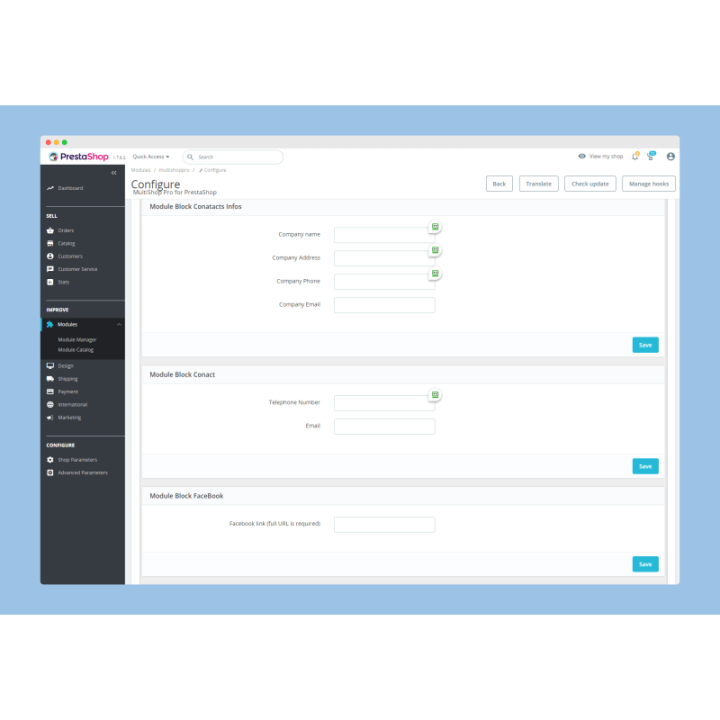
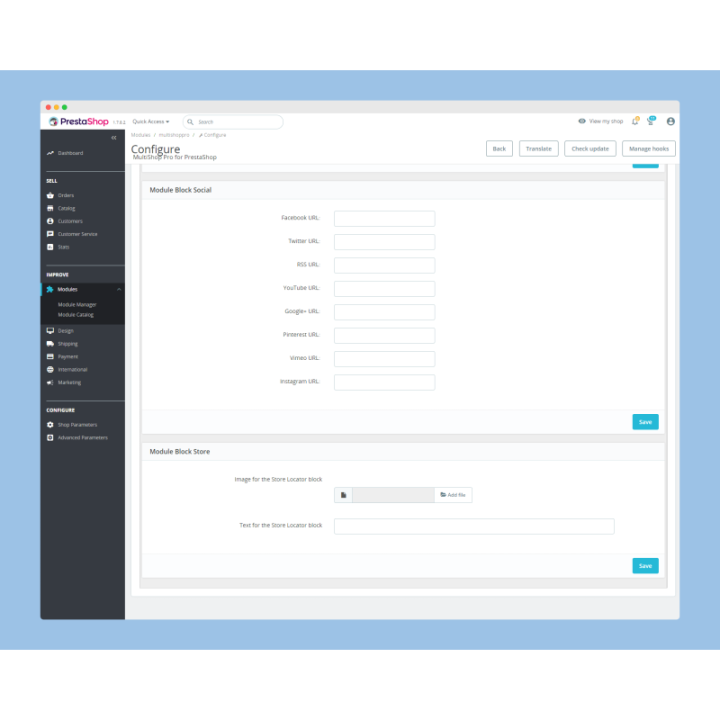
Default shop name, country, currency, language, branding, and tracking can follow the domain.
Works transparently with existing PrestaShop themes and modules.
Alias the domain or subdomain to your main shop; Multishop Pro applies the profile.
Practical multi-domain selling
Many merchants want local domains, brand domains, or campaign subdomains, but they do not want duplicate catalogs, duplicate inventory, or multiple PrestaShop codebases. Multishop Pro gives every connected domain its own storefront profile while keeping the shop engine centralized.
Use ccTLDs or local domains when visitors expect a market-specific storefront.
Give brands, regions, B2B, wholesale, or campaigns their own public domain or subdomain.
Keep one catalog, one inventory pool, one order flow, and one back office.
Domain-specific profile
The visitor sees the correct market profile. You keep the operational simplicity of one shop.
Positioning
Native PrestaShop multishop can be powerful, but it can also introduce difficult shop-specific relationships across products, categories, customers, modules, themes, and settings. Multishop Pro is intentionally simpler: the same shop responds to multiple domains or subdomains and applies a domain profile at runtime. It stays transparent to your theme and modules and uses no rewrites.
Use it for domain identity, localization defaults, analytics separation, and local-market confidence without duplicating your catalog.
Set the default country, currency, and language by domain so PrestaShop’s native country-based pricing, tax, currency, and language logic works in your favor. Product availability remains shared unless you add a dedicated Product by Country solution.
PrestaHeroes international growth expertise
PrestaHeroes specializes in helping international ecommerce companies sell more across countries, languages, currencies, domains, and visitor expectations. Multishop Pro is part of our own suite of international business modules built to remove friction and support exponential sales growth.
Our modules and services are designed together: localized domains, country-language URLs, geo visitor localization, shipping assurance, performance, privacy, analytics, and hands-on ecommerce strategy.
Setup overview
Each additional domain or subdomain is aliased to your main domain so it reaches the same PrestaShop installation. Multishop Pro maps that host name to the correct storefront profile. No rewrites are required.
Alias each additional domain or subdomain to your main domain using cPanel, Plesk, or your hosting control panel. The host name should point to the same PrestaShop installation and document root.
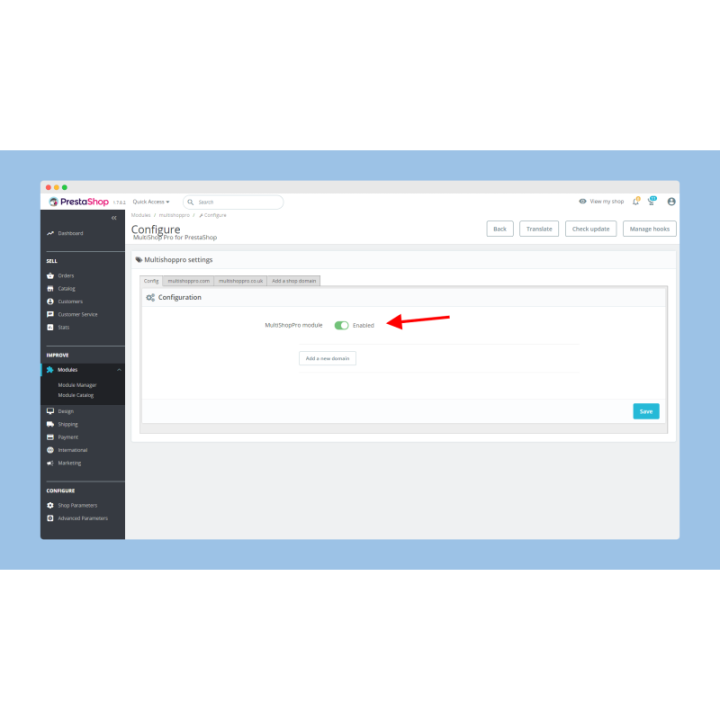
Create the domain profile and set shop identity, default localization, SSL behavior, and tracking settings.
Menus, CMS content, theme content, or custom links may need review if they contain a fully qualified fixed domain such as https://maindomain.com/category-name. Domain-neutral links such as /category-name are easier to reuse across connected domains.
SEO and international strategy
Country domains, brand domains, and subdomains can support clearer market positioning, cleaner analytics, and more focused SEO work while the PrestaShop engine remains centralized.
Use ccTLDs, regional domains, or market subdomains to present a storefront that feels local.
Separate performance by country, brand, subdomain, or campaign with domain-specific tracking.
For country-language URL patterns such as /en-us/ or /de-dk/, pair this strategy with PH InterSEO.
Questions before installation
Multishop Pro is strongest when your goal is multiple public domains with shared operations.
Yes, when the price logic is driven by PrestaShop country rules. Multishop Pro can set each domain’s default country, currency, and language so your existing country-based prices, taxes, currencies, and localization rules can be served automatically. It is not a separate catalog per domain.
Product availability is shared by default. If you need to show or hide products by country, PrestaHeroes also has a Product by Country module. contact Fred for details with subject “Product by Country tell me more”.
Yes. Each connected domain or subdomain can have its own default country, language, currency, and related storefront profile settings.
Yes. Multishop Pro is transparent to all PrestaShop themes and modules because the same installation, theme, module stack, catalog, and checkout flow remain in place.
No. Multishop Pro uses no rewrites. You alias the additional domain or subdomain to the main domain through cPanel, Plesk, or your hosting control panel, then configure the domain profile inside the module.
Yes, as part of a complete international strategy. Multishop Pro handles domains and subdomains; PH InterSEO — International URL Localization for PrestaShop is the dedicated module for country-language URL structures such as /en-us/, /fr-fr/, or /de-dk/. It works as an additional option for your Multishop strategy or as a standalone solution.
One catalog. One inventory flow. One back office. Multiple domain identities.

 Security policy
 Delivery policy
 Return policy

Comments (0)
Your review appreciation cannot be sent
Report comment
Report sent
Your report cannot be sent